Auto
Auto  3 weeks ago
16
3 weeks ago
16 Advertisement
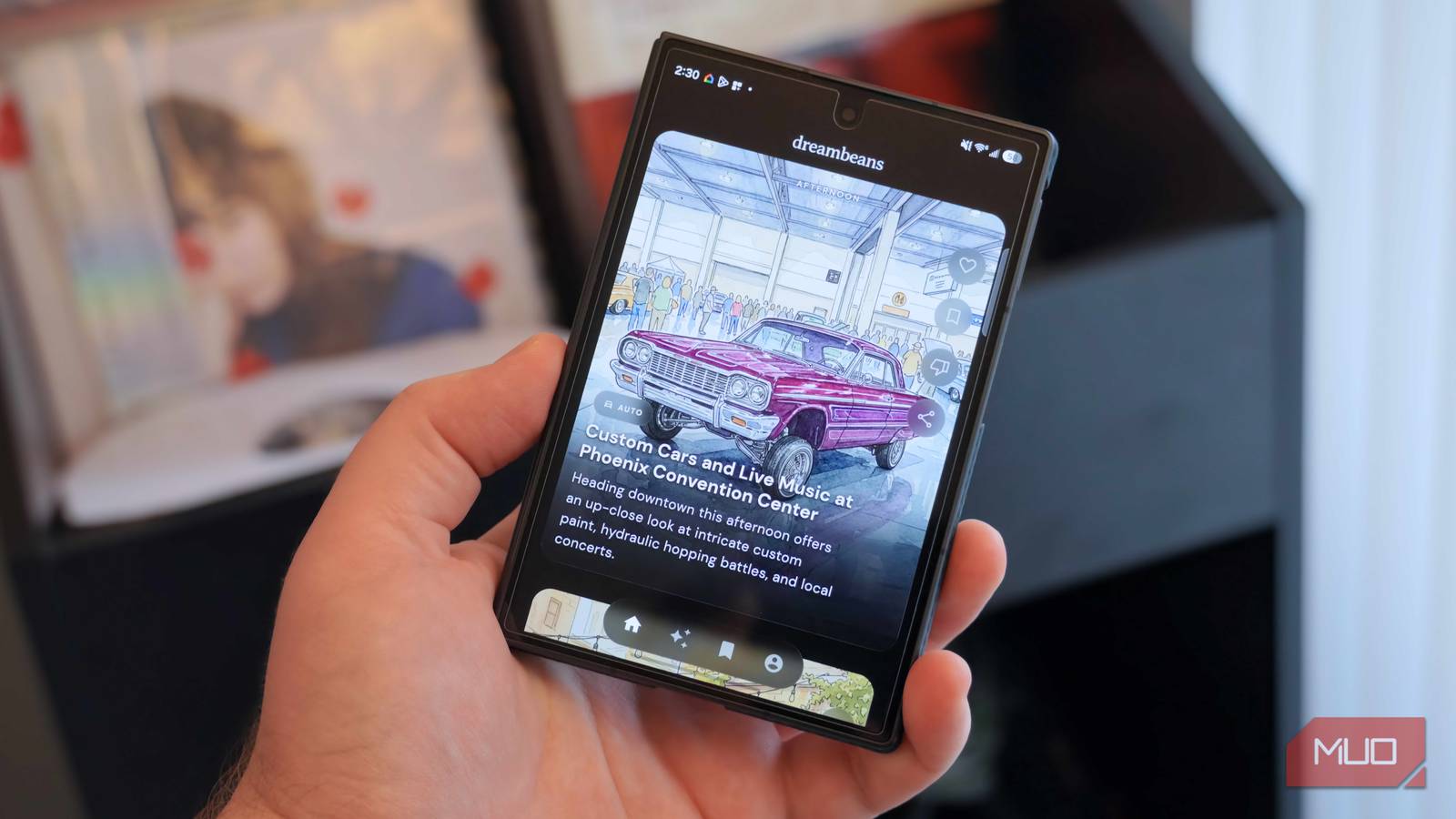
When I connected my Galaxy Z Fold 8 to my laptop to pull some screen recordings, I found USB Debugging in Developer Options completely grayed out with no explanation. While this setting is built for developers, everyday users often need it to transfer files smoothly, recover data from a broken screen, or run advanced backup tools. After some digging, I realized Samsung's Auto Blocker setting was the culprit. Disabling it immediately unlocked the USB debugging toggle.