Auto
Auto  3 hours ago
3
3 hours ago
3 
Published Oct 12, 2026, 3:30 PM EDT
Cory Gunther is a senior author and Newsletter Editor at Valnet, covering cutting-edge tech, Android, and more for How-To Geek. He's covered Android, cars, and technology for over a decade. When he's not reviewing the latest gadget, you can find him off-roading in his Toyota truck, fixing said truck, or doing something outdoors with friends and family.
He's covered CES, SEMA, and MWC and reviewed countless phones, TVs, speakers, EVs, e-bikes, and more. Before Valnet, Cory worked for GottaBeMobile. His writing has also appeared on SlashGear, InputMag, and AndroidCentral. He's written over 9,000 articles.
That Ryobi lithium-ion battery for your tools rarely dies without warning. You'll start seeing little hints, like a slight loss of power, or a battery that gets way too warm, and before you know it, you're reaching for a new pack every 15 minutes. While there are several little things to watch for, three main signs will tell you that it's time to head to Home Depot soon and get a new battery.
It never lasts as long as it once did
Watch for severe runtime loss
Modern power tools use lithium-ion battery technology similar to what's in our smartphones, watches, laptops, and other electronics. And just like a 3-year-old smartphone that doesn't last as long on a full charge as it did when it was new, your Ryobi battery pack can experience the same.
That said, most of us don't recharge a tool's battery 1–2 times a day, so, in theory, they should last quite a bit longer. But that doesn't mean your battery won't die. Every Ryobi battery will start to show signs of degradation over time; it's inevitable.
As you use and recharge the battery over and over, it'll eventually start to degrade a bit on the inside. That's especially true if you constantly let it run completely out of battery before charging. That's bad, don't do that. A good rule of thumb is to always try to remove it from the tool when it gets around 25–40% remaining, let it cool a little bit, then drop it on the charger.
Essentially, if your Ryobi battery drains 30% to 50% faster than it used to or loses power way too quickly during normal use, it's probably on its way out. No one wants to swap out the battery in the middle of a project, and if you're doing it because your old battery doesn't last long enough, it's time to upgrade.
Don't get me wrong, you can probably keep using it for several months, if not years, but you might want to start watching for a battery deal or a BOGO at Home Depot.
Watch for charger error codes or a battery that never gets full
That blinking red light will let you know
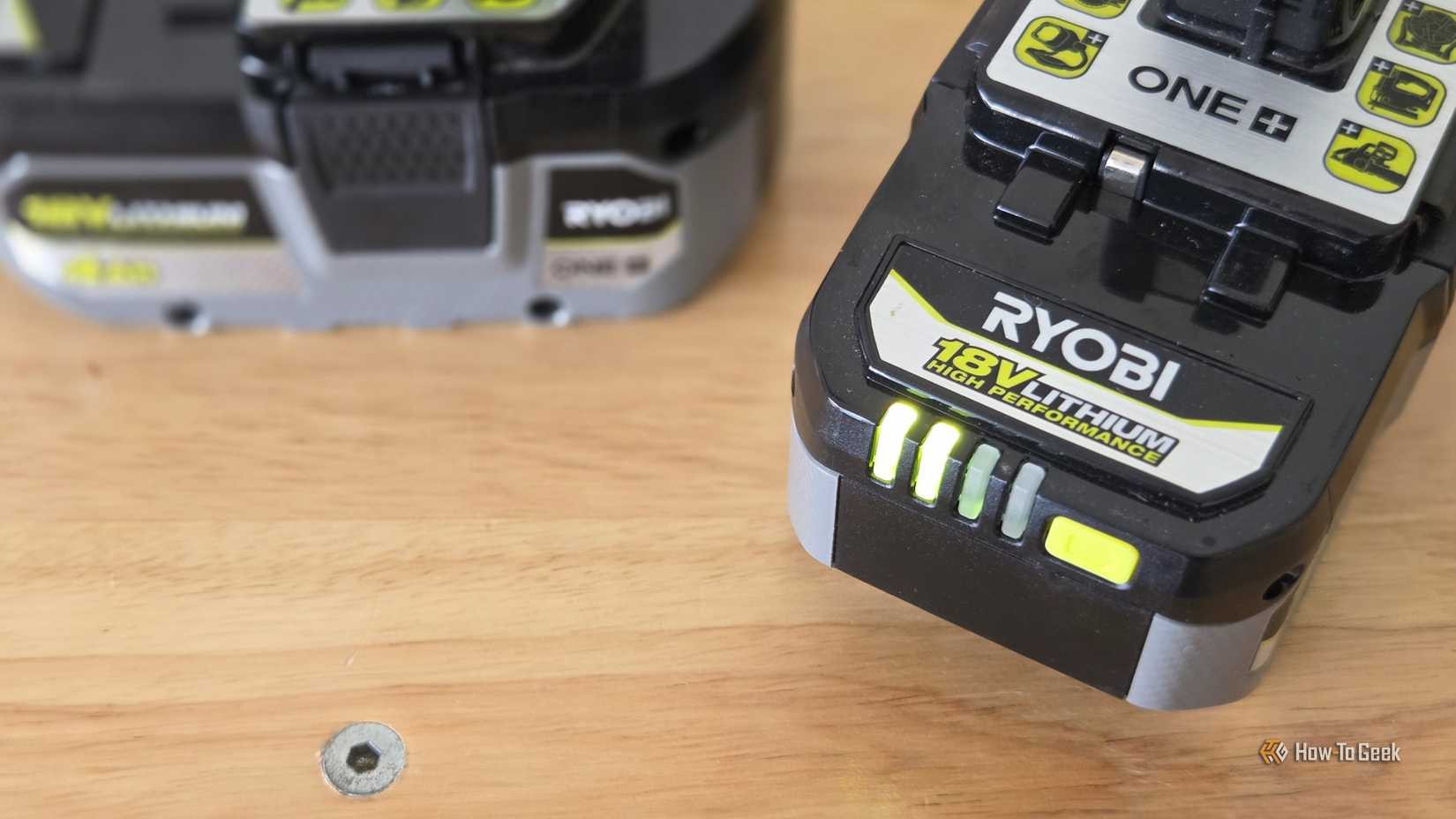
I've been buying Ryobi tools for over 20 years, and in that time, I've only had one battery pack die on me. That's pretty good, if you ask me, but it does happen.
If you put a Ryobi 18V ONE+ or 40V battery on the charging dock and the red and green lights turn on differently than normal, or both are flashing, that's a sign of either a dead battery or one that might be on its way out. Here are some common Ryobi charger light patterns and their meanings:
Solid Red: The charger is plugged into a live power outlet and is ready to receive a battery pack. Flashing Green: The battery pack is currently charging. Solid Green: The battery is fully charged and ready to use. Flashing Red: Potential issue. The battery is too hot or cold, was deeply discharged, or is currently being tested by the charger and electronics. (It may wait for normal temps before charging, or slow charge until the cell wakes back up.) Flashing Red and Flashing Green: Error! Either the battery pack or your charger is defective. Flashing Green (Slowly): The charger is in maintenance, conditioning, or energy-saver mode (on select multi-port or smart chargers)Flashing green or solid single lights are usually okay, but if you see both the red and green lights illuminate and start flashing, there's a good chance your battery is already dead or defective enough that the charger notices.
But those aren't the only situations. For example, one of my 3-year-old Ryobi 2Ah batteries randomly stopped recharging. I'd drop it on the charger, and the green light on the charger would blink as usual, suggesting it's perfectly fine and charging.
Turns out, something else is wrong with that battery that the charger didn't notice. No matter how long I let it charge, the battery indicator always showed 1 of 4 bars, and while it continued to work, it never held a charge for very long.
If the battery is swelling
Look for excessive heat or a bulging battery
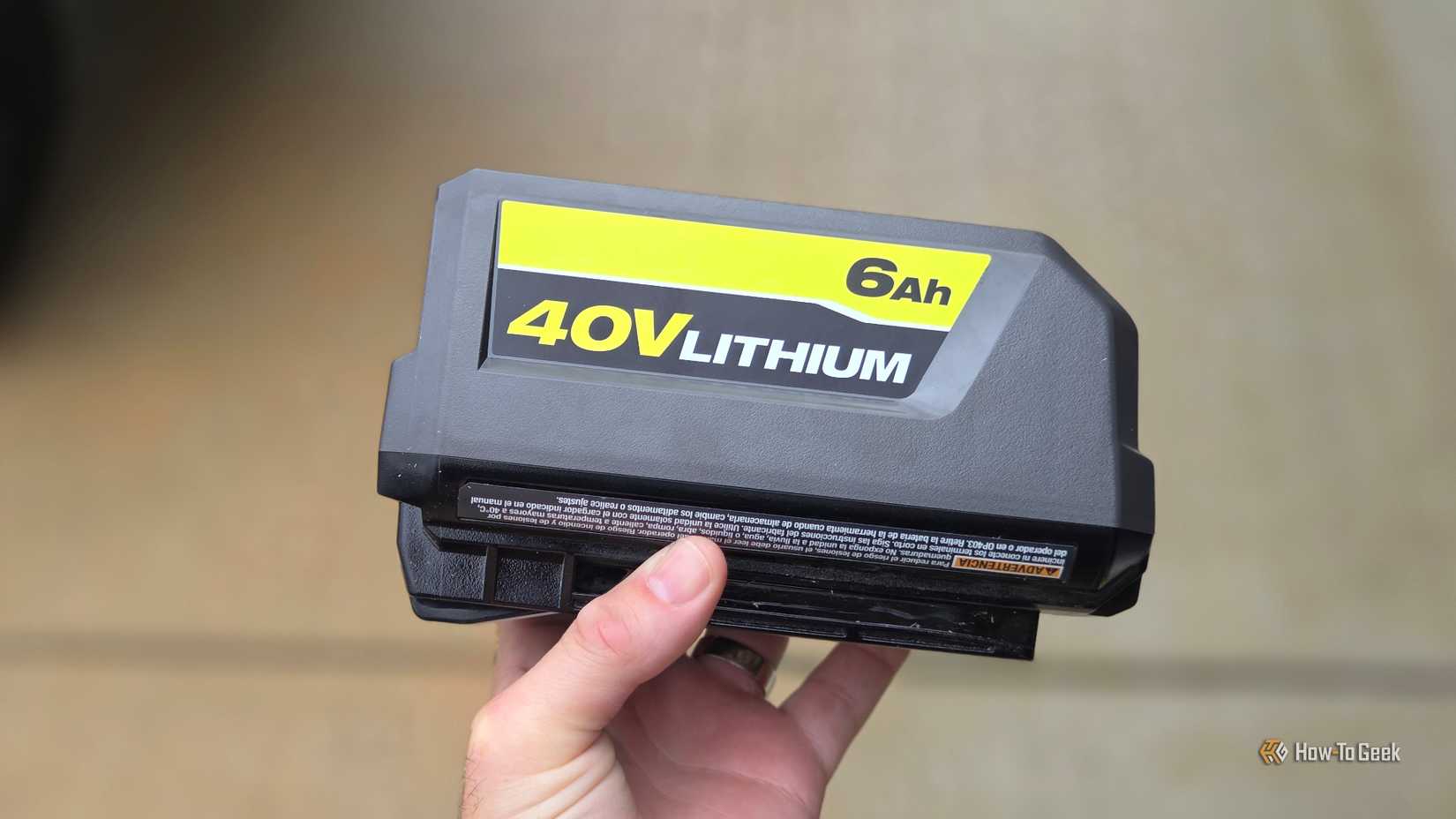
And finally, another major red flag that something's wrong with your Ryobi battery is swelling, bulging, or the casing cracking. This is actually a fire hazard, and you should quickly dispose of it somewhere that accepts lithium-ion.
If you notice your Ryobi battery getting unusually hot, especially after small jobs, or notice any physical changes, take appropriate action. And while rare, if a cell is bulging, you might even notice a strong chemical smell or smoke, and that's bad news. This is likely a thermal runaway moment or a bad battery. Use caution.
Similar to how a smartphone battery can bulge or catch fire, the lithium-ion batteries inside your Ryobi could do the same. It's not a frequent occurrence, but it does happen, and it's something to be aware of.
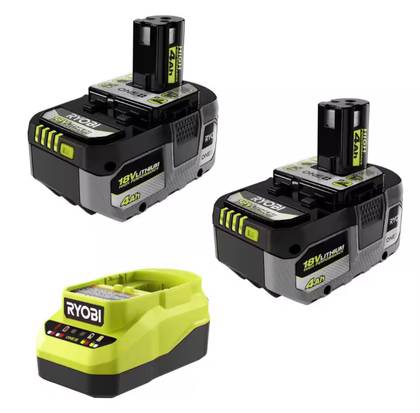
Get a 2-pack of Ryobi's latest 18V ONE+ High Performance 4 Ah batteries and a charger, and be ready for all those projects.
Other signs it's time to get a new Ryobi battery
At the end of the day, the signs should be pretty straightforward. If you notice a smell, smoke, bulging, or excessive heat. That's not good. You may also experience power dips, tool stalling, or tool lockouts. A lockout occurs when the tool and battery internal protection circuits prevent them from operating.
If any of these are happening, or you're getting the dreaded flashing lights or failure to charge, it's time to go shopping for a new battery or two.